{Where Am I}
Let's draw a triangle
Drawing a triangle is incredibly easy if you followed the last chapter carefully.
Whole code will be exactly the same with the difference in the draw call , what you need to do in the draw call is just replace gl.POINTS with gl.TRIANGLES waking the draw call like this:
gl.drawArrays(gl.TRIANGLES, 0, 3);
You might wonder why the third arg is 3 when we are drawing only one triangle. Well this argument does not signify how many gl.TRIANGLES you are drawing but it signifies how many vertices you want to render and as a triangle requires 3 vertices hence the third arg is 3.
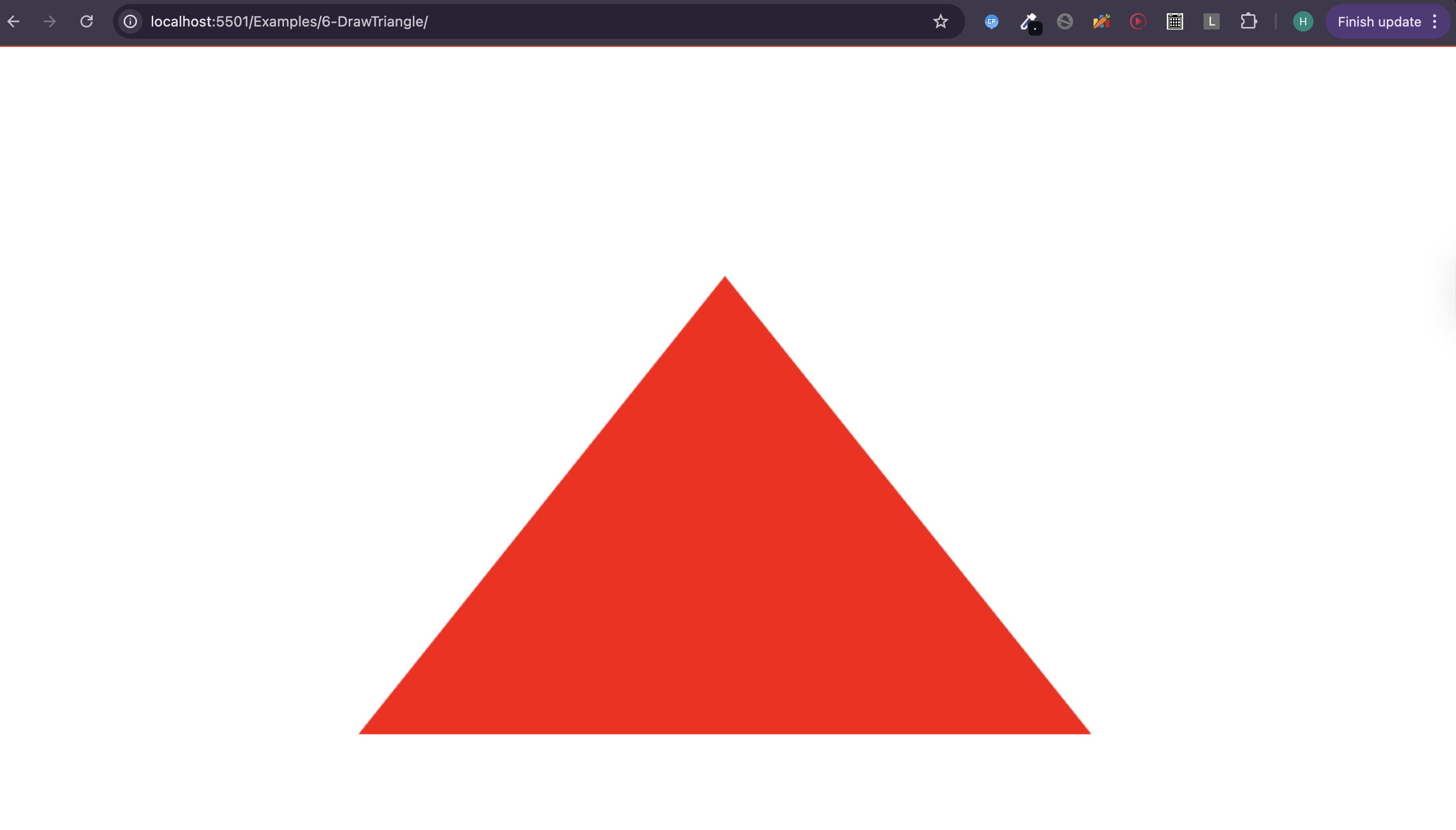
Now once you save the script.js file and open the browser you will se something like this:
Final Code
script.js
//Step 1: Set the viewport
const canvas = document.querySelector("canvas");
const gl = canvas.getContext("webgl2");

canvas.height = window.innerHeight; // For making the canvas full screen
canvas.width = window.innerWidth; // For making the canvas full screen
gl.viewport(0, 0, canvas.width, canvas.height);

//Step 2: Write the shaders
// vertex shader
const vertexShaderSource = `#version 300 es
in vec2 a_position;
void main(){
  gl_Position = vec4(a_position,0,1);
  gl_PointSize = 30.0;
}`;

// fragment shader
const fragmentShaderSource = `# version 300 es
precision mediump float;
out vec4 color;
void main(){
  color = vec4(1,0,0,1);
}`;

// Step 3: Compile the shaders
const vertexShader = gl.createShader(gl.VERTEX_SHADER);
gl.shaderSource(vertexShader, vertexShaderSource);
gl.compileShader(vertexShader);
if (!gl.getShaderParameter(vertexShader, gl.COMPILE_STATUS)) {
  console.log(
    "error while compiling the vertex shader",
    gl.getShaderInfoLog(vertexShader)
  );
}

const fragmentShader = gl.createShader(gl.FRAGMENT_SHADER);
gl.shaderSource(fragmentShader, fragmentShaderSource);
gl.compileShader(fragmentShader);
if (!gl.getShaderParameter(fragmentShader, gl.COMPILE_STATUS)) {
  console.log(
    "error while compiling the fragment shader",
    gl.getShaderInfoLog(fragmentShader)
  );
}

// Step 4: Create a WebGL program
const program = gl.createProgram();

// Step 5: Attach the shaders to the program
gl.attachShader(program, vertexShader);
gl.attachShader(program, fragmentShader);

// Step 6: Link the program
gl.linkProgram(program);
if (!gl.getProgramParameter(program, gl.LINK_STATUS)) {
  console.log(
    "error while linking the program:",
    gl.getProgramInfoLog(program)
  );
}

const vertexCoordinates = [
  0, 0.5, // First vertex
  -0.5, -0.5, // Second vertex
  0.5, -0.5, // Third vertex
];

const a_position_location = gl.getAttribLocation(program, "a_position");
// Create Buffer
const pointsBuffer = gl.createBuffer();
gl.bindBuffer(gl.ARRAY_BUFFER, pointsBuffer);
gl.bufferData(
  gl.ARRAY_BUFFER,
  new Float32Array(vertexCoordinates),
  gl.STATIC_DRAW
);
gl.vertexAttribPointer(a_position_location, 2, gl.FLOAT, false, 0, 0);

gl.enableVertexAttribArray(a_position_location);
// Step 7: Use the WebGL program
gl.useProgram(program);

// Step 8: Issue the draw call
gl.drawArrays(gl.TRIANGLES, 0, 3);