Why these docs?
When I started out to learn Computer Graphics I struggled a lot to find a clear step by step resource, I fidgeted between youtube tutorials, medium articles, books, websites etc.
After doing all this, I realized that the resources for learning Computer Graphics are so scattered that it becomes overwhelming for a beginner to even know where to start, so I decided to write these docs in a beginner friendly and chronological manner, so that anyone could learn it easily.
We’ll be using WebGL as our graphics API.
Since it requires very little setup compared to other graphics APIs, we can spend more time focusing on graphics concepts and less time fighting with configurations.
This also makes WebGL beginner-friendly, allowing you to see results quickly while still learning ideas that apply to more advanced graphics APIs later on.
What is Computer Graphics
Computer Graphics is basically a field of Computer Science that deals with generating, rendering and displaying digital images.
So, this was a technical definition. Now let’s understand it in plain terms using a game you probably already know — GTA: San Andreas.
In the game, CJ can move in any direction at any time — left, right, forward, or backward — entirely based on your input. The computer has no idea in advance where you’ll go next.
Now, when you press the up arrow key, the computer detects this input and does following things:
- Calculates the next position of CJ in the scene.
- Calculates the position of each surrounding object with respect to new camera position
- The scene is 3D but the screen is 2D now we need to convert the 3D scene to 2D .
- The final 2D scene is displayed on your screen.
Doing all this stuff each frame is what Computer Graphics deals with.
This is a very high level view of the steps but actually there are dozens of intermediate steps which we will look in the chapters ahead.
Why Computer Graphics
Before we dive into Computer Graphics, let’s answer the big question — why even learn it?
The following points will explain:
- Got an Idea for a game? Now you can make it without using any game engine
- Like to see fluid or smoke simulations? Now you can code it
- Bad at drawing? I got your back, now you can make drawings impossible to draw by hand
- Curious about what secret sauce powers Unity and Unreal? Well… why not cook up your own game engine from scratch? 1
- And many more things but it will take whole day to write them all, so I am quitting here ; )
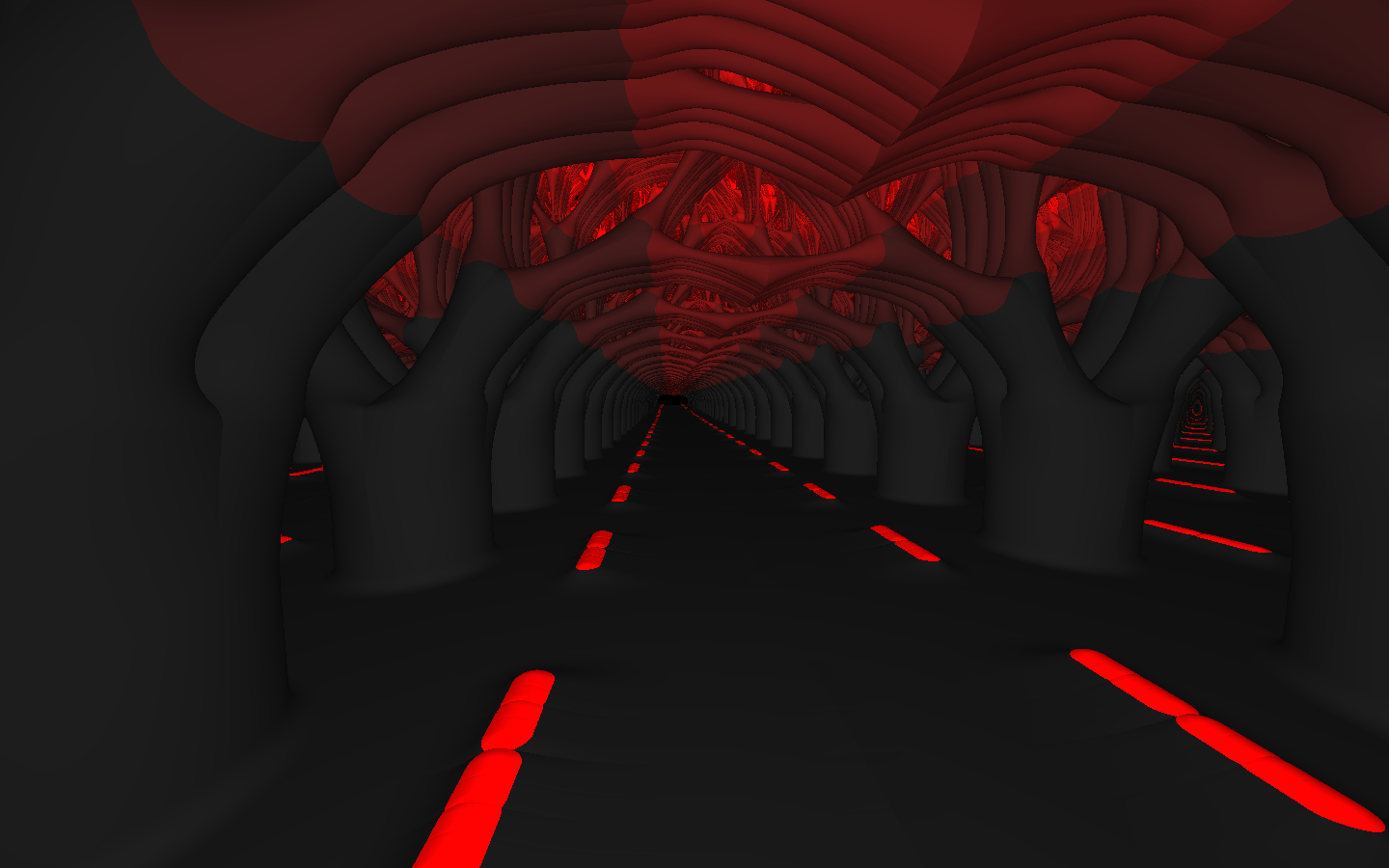
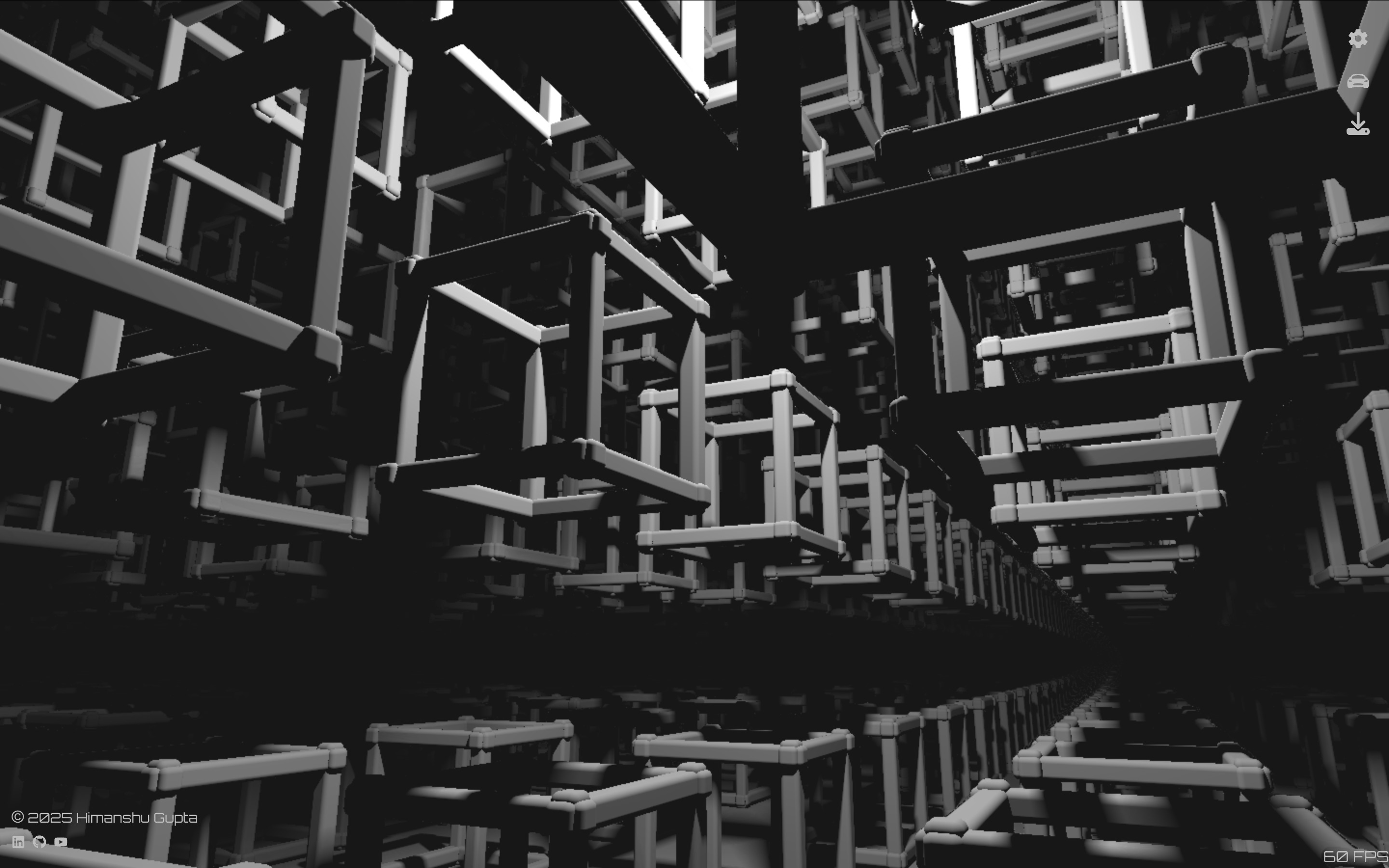
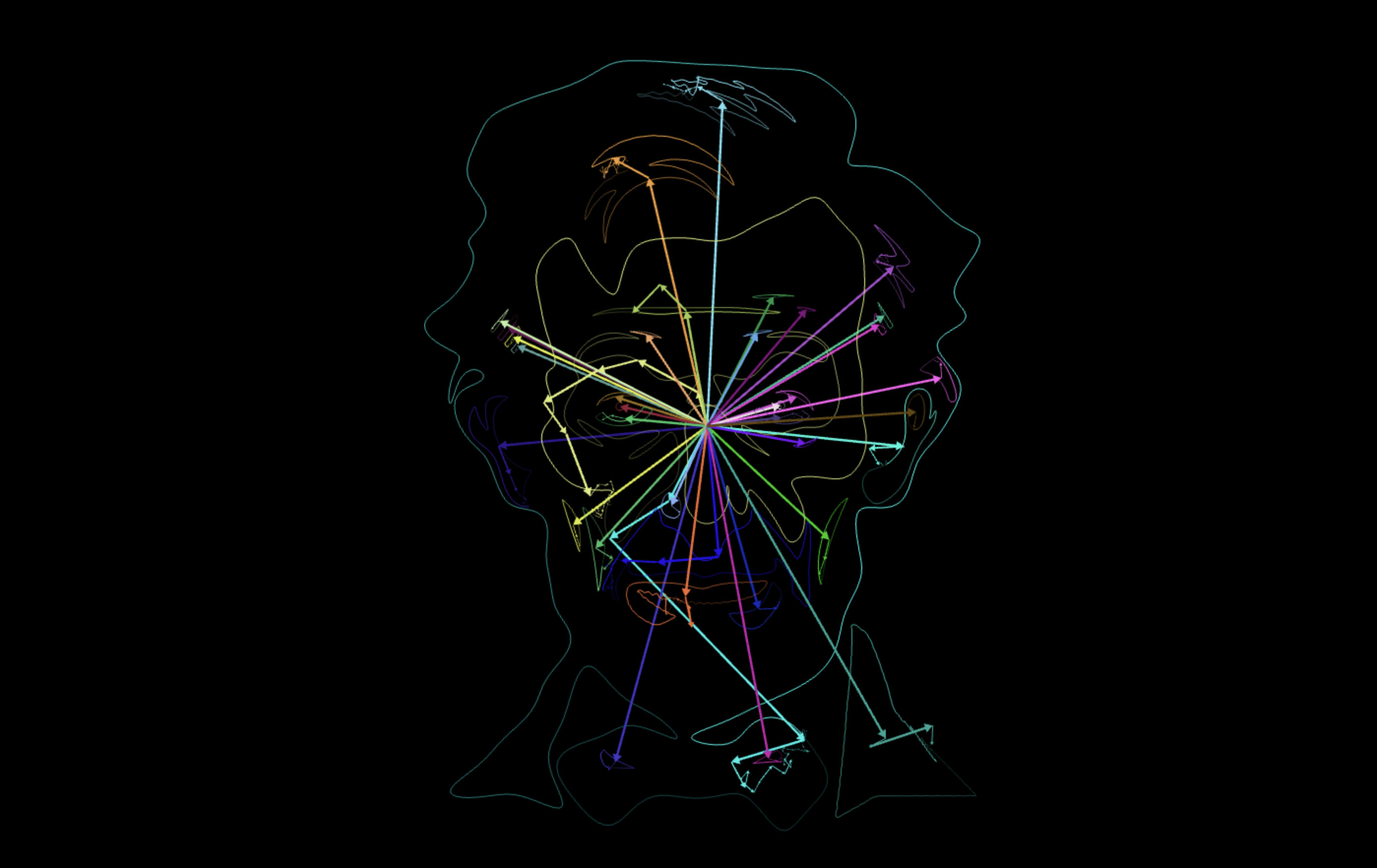
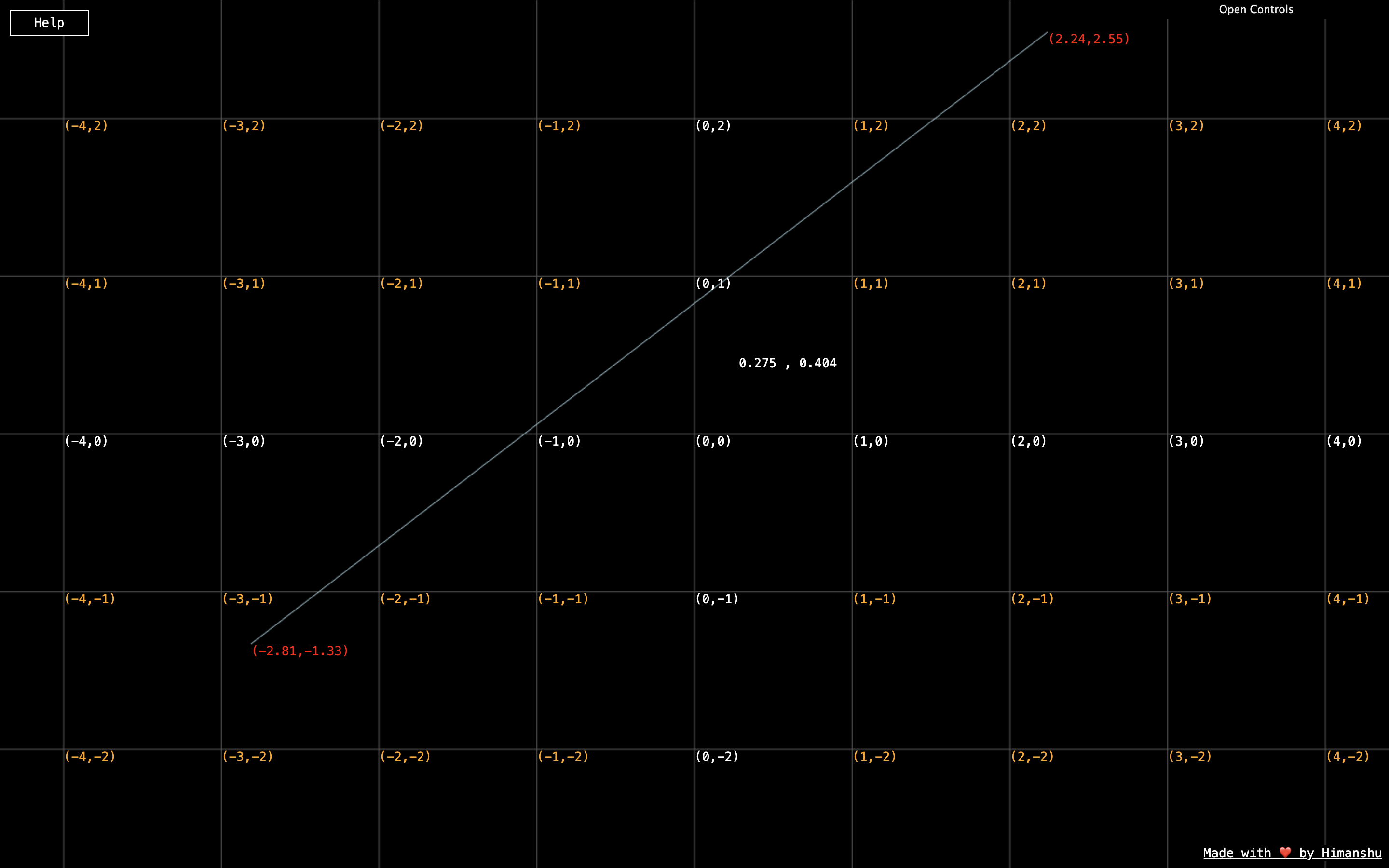
To keep up your motivation level let's see what I have built along the way learning CG:

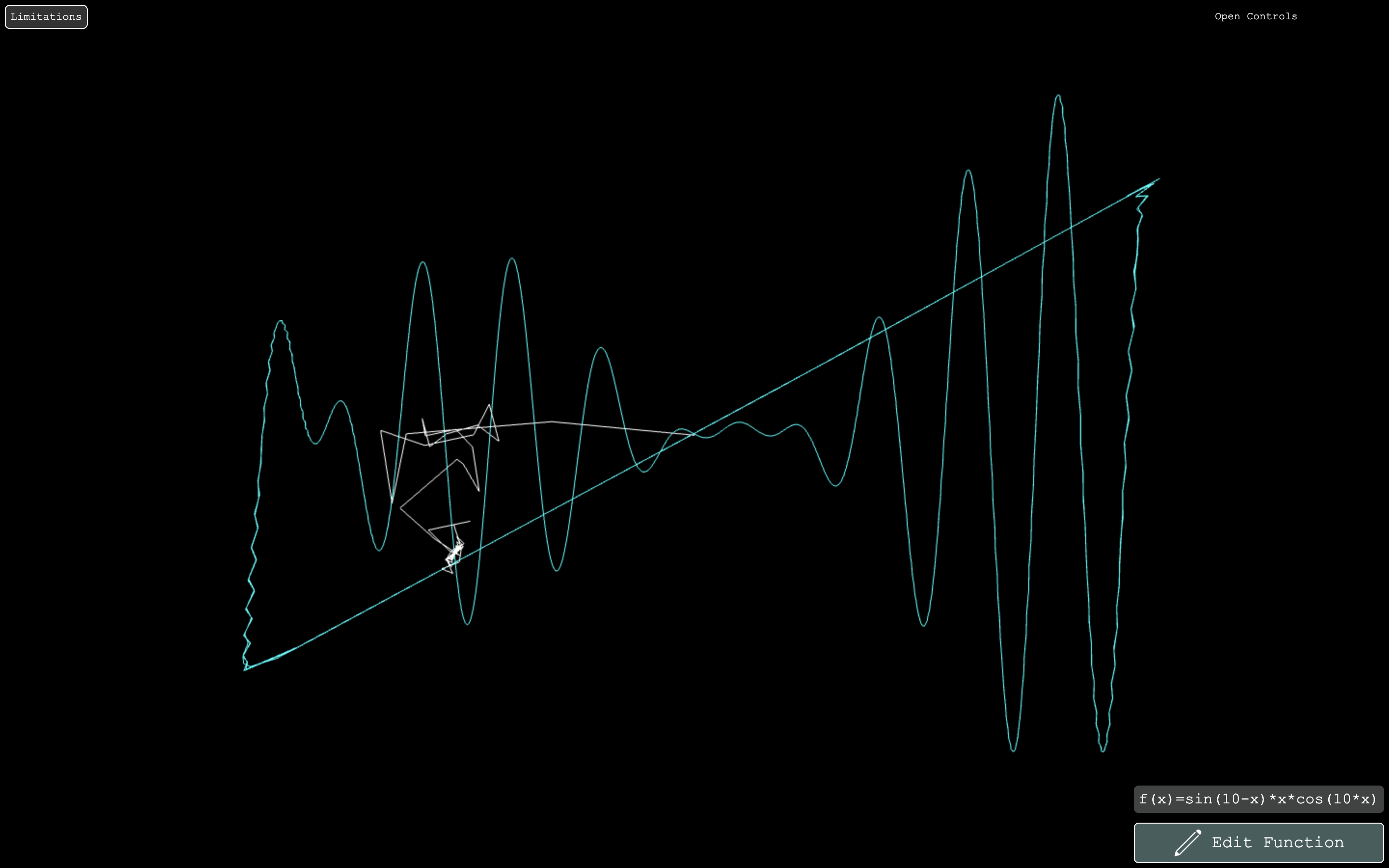

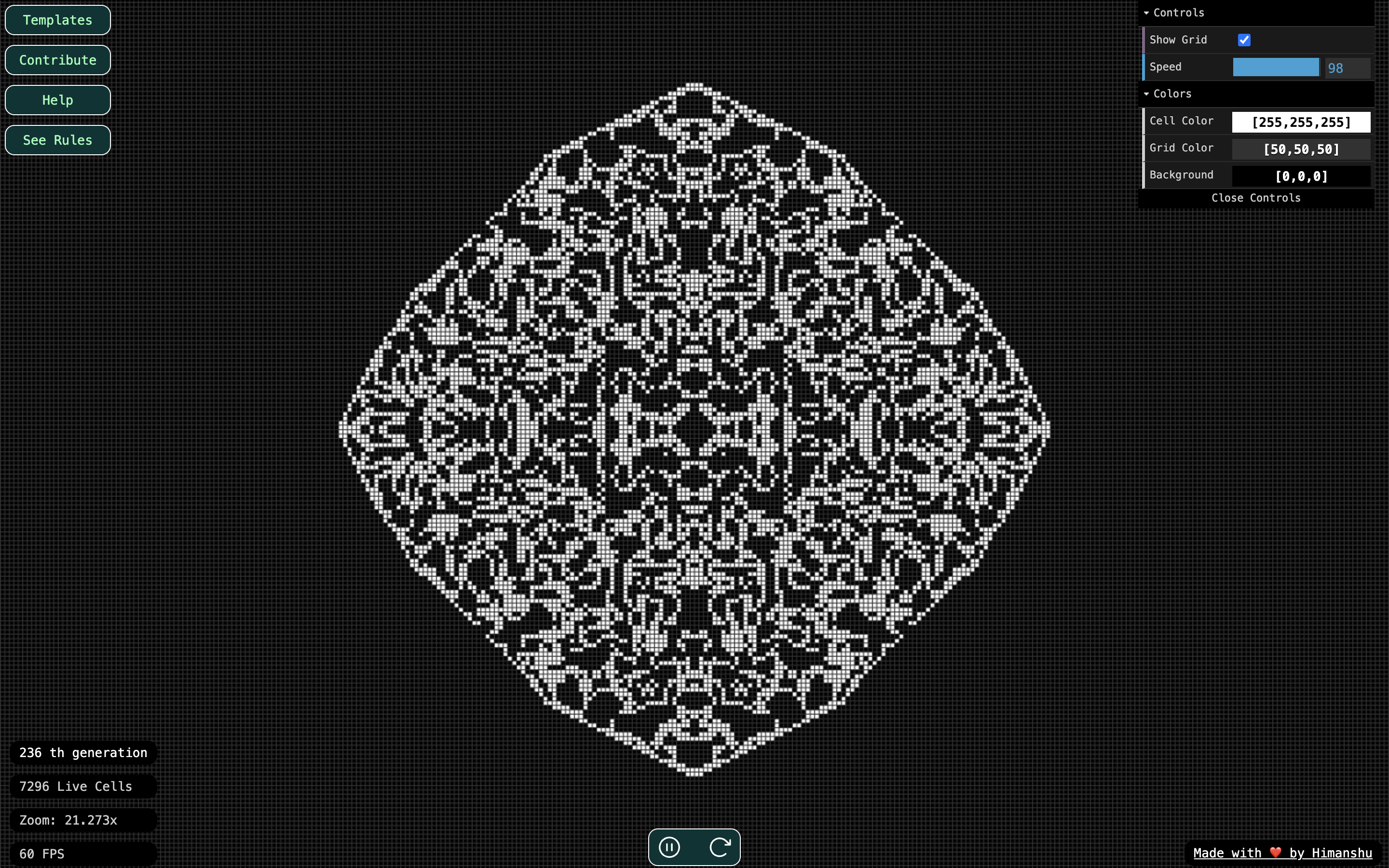
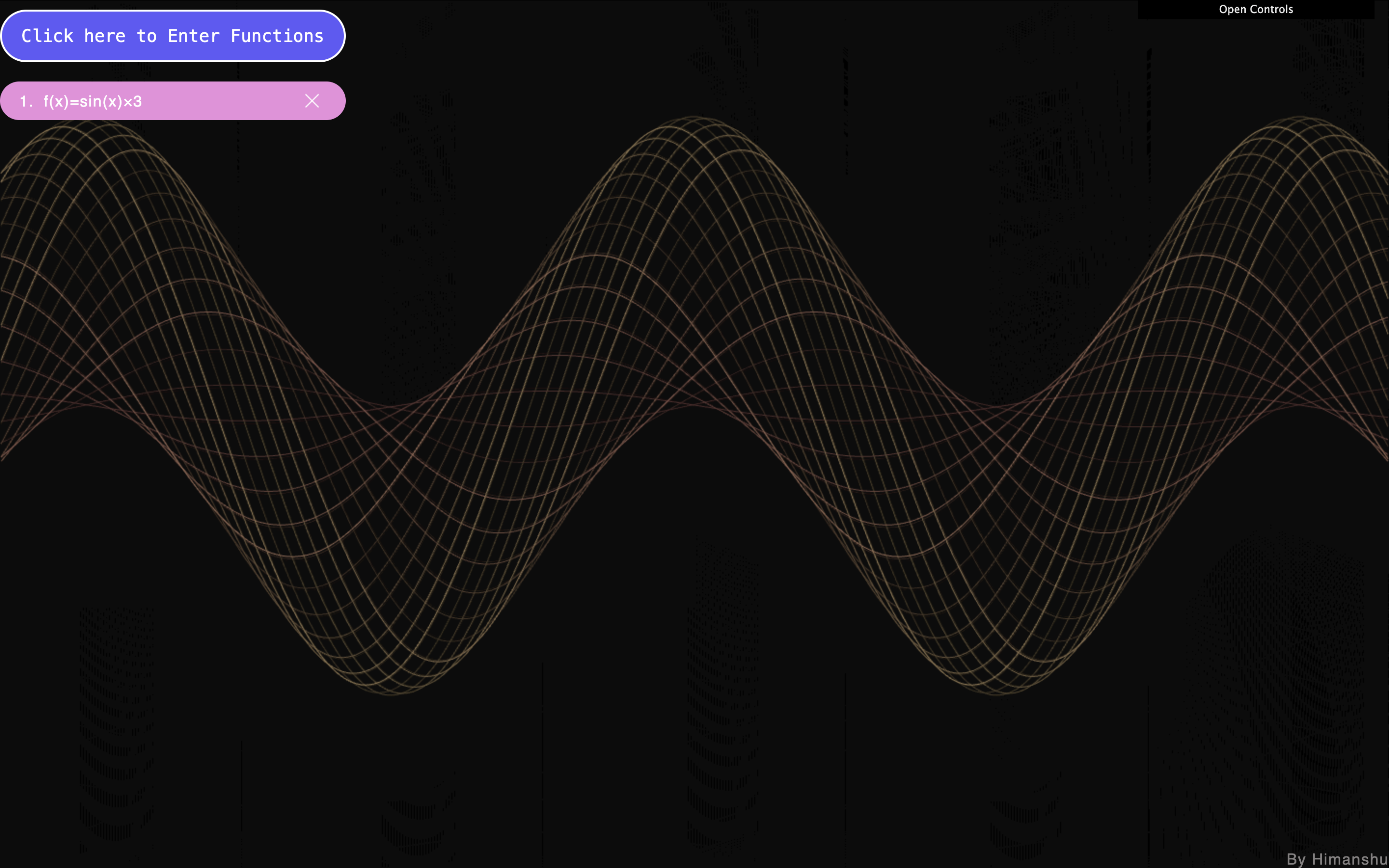



How to use the docs
When studying CG1, make sure to keep a notebook and a pen handy — the more you write, the more you learn. Code it along, don't just read. Also, don’t skip chapters until you’re confident you understand them well, because each chapter builds on top of the previous ones.
Stay consistent, explore deeply, and most importantly — Happy Learning!
1 Not to demotivate you or anything, but creating a full game engine by yourself is a loooong quest — like final-boss-level long
2 I will say Computer Graphics as CG from now onwards as it takes too long to type it, and programers are lazy you know