Basics
Before starting lets see the very basics of CG.
Pixels
Pixels are the building blocks of an image, they are the smallest unit of an image.
Aspect ratio
Aspect ratio is simply the ratio between the width of the screen to the height of the screen.
Screen Resolution
Resolution is the number of pixels in the screen.
Viewport
Viewport is the part of the screen where your scene is drawn.
What is a Frame?
To understand this, let’s first understand what a video is. A video is essentially a stream of images played so fast that it appears as continuous motion. Each individual image in this stream is called a frame.
Framerate/Refresh rate of screen
Framerate (FPS) is the number of frames your GPU/CPU renders per second, more the framerate more smooth are the graphics. Framerate is also an indicator of how optimal your code is, if the frame rate drops below the screen refresh rate then you need to review your code.
You can calculate the framerate in two ways:
- Count how many frames are rendered in one second.
- Measure the time between two consecutive frames and take its reciprocal.
Most screens have the framerate between 60 to 120.
What is an animation?
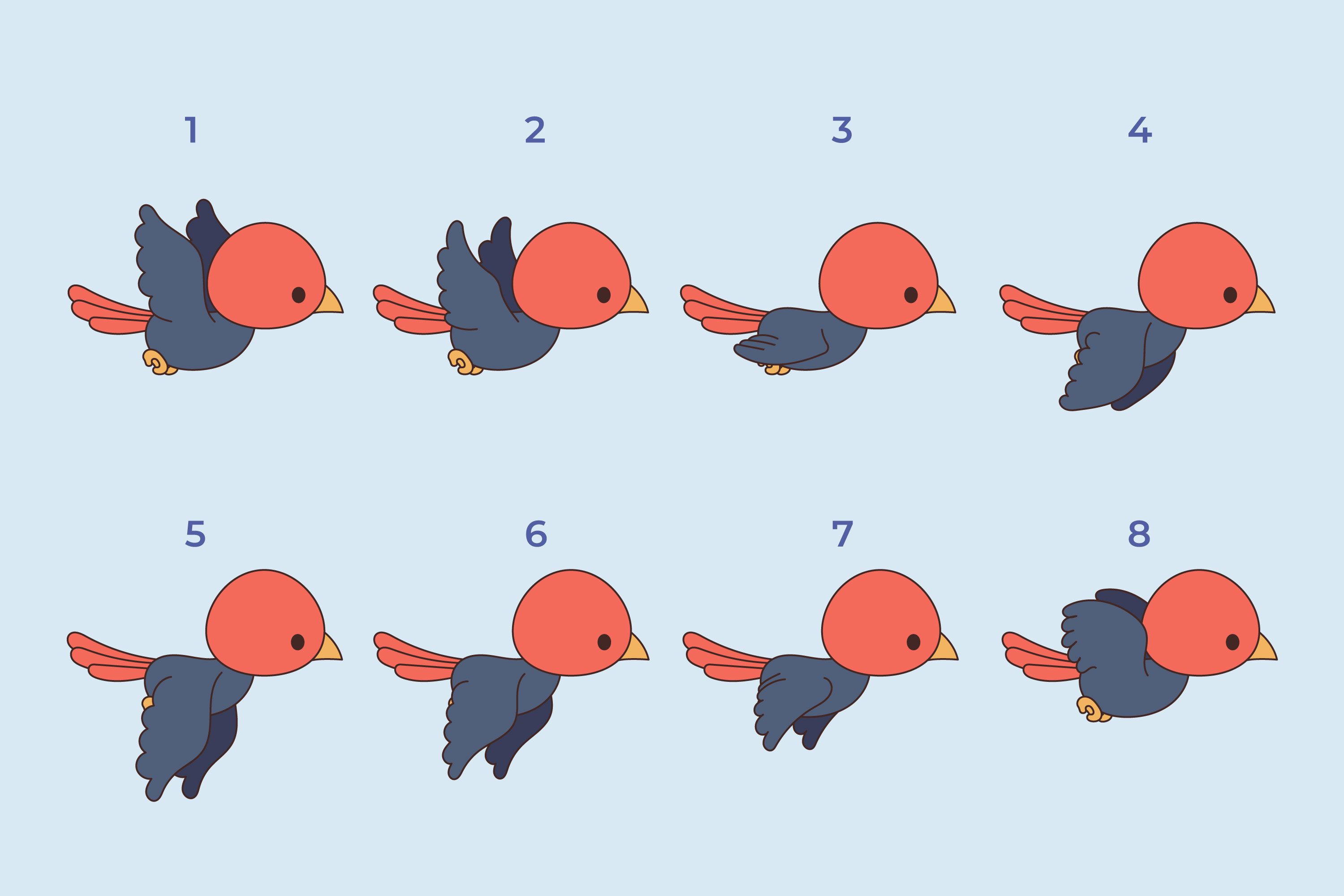
An animation is a sequence of images (called frames) that are drawn, erased, and redrawn very quickly. When these frames change fast enough, your eyes perceive it as smooth motion instead of individual pictures.
Lets see an example

What is rendering?
Rendering is basically making a scene ready to be displayed onto the screen. It is converting a 3D/2D scene to 2D
What is a Framebuffer?
Before displaying a frame, the hardware of any display device needs to store the color values of that frame somewhere, and that somewhere is called the framebuffer.
A framebuffer is a block of memory that stores information about each pixel for the current frame. Modern framebuffers often contain multiple kinds of buffers, such as:
- Color buffer: Stores the color of each pixel.
- Depth buffer (z-buffer): Stores the distance of each pixel from the viewer, used for 3D rendering to determine which objects are in front.
- Stencil buffer: Stores mask information to control where drawing is allowed or blocked on the screen.
These buffers work together to produce the final image displayed on the screen.
How a Modern Display Works
The steps below provide a very high-level view of how modern displays work:
- GPU or video decoder generates a frame.
- Frame is stored in the framebuffer (memory).
- Display controller reads the framebuffer.
- Pixels on the screen are illuminated accordingly.
- Next frame is prepared while current frame is shown (double/triple buffering).
- This repeats many times per second to create smooth motion.