Docs Features
Chronological order
CG-Docs are written with beginners in mind. Each chapter builds
sequentially on the previous one, with content organized into clear
sections that are easy to follow.
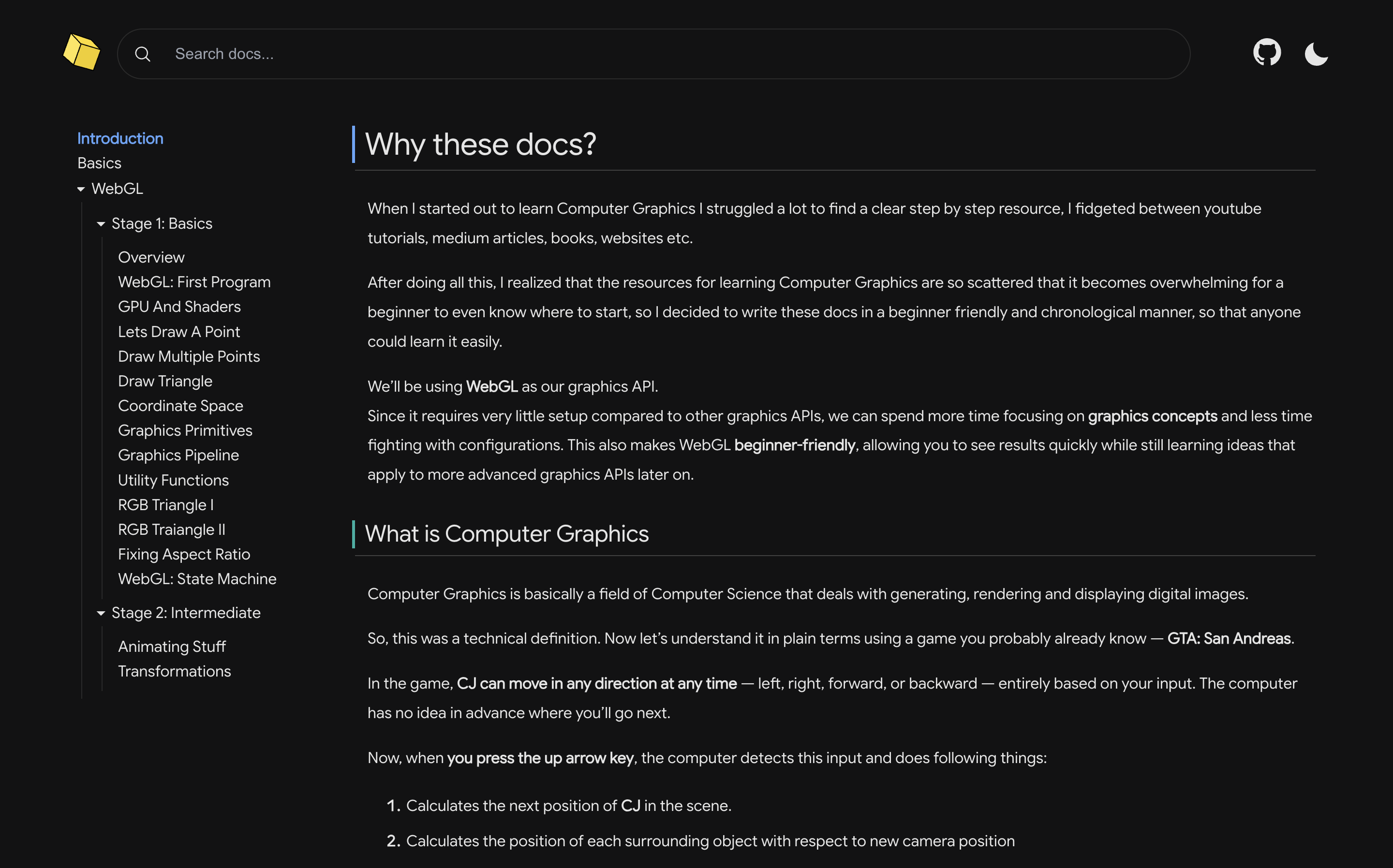
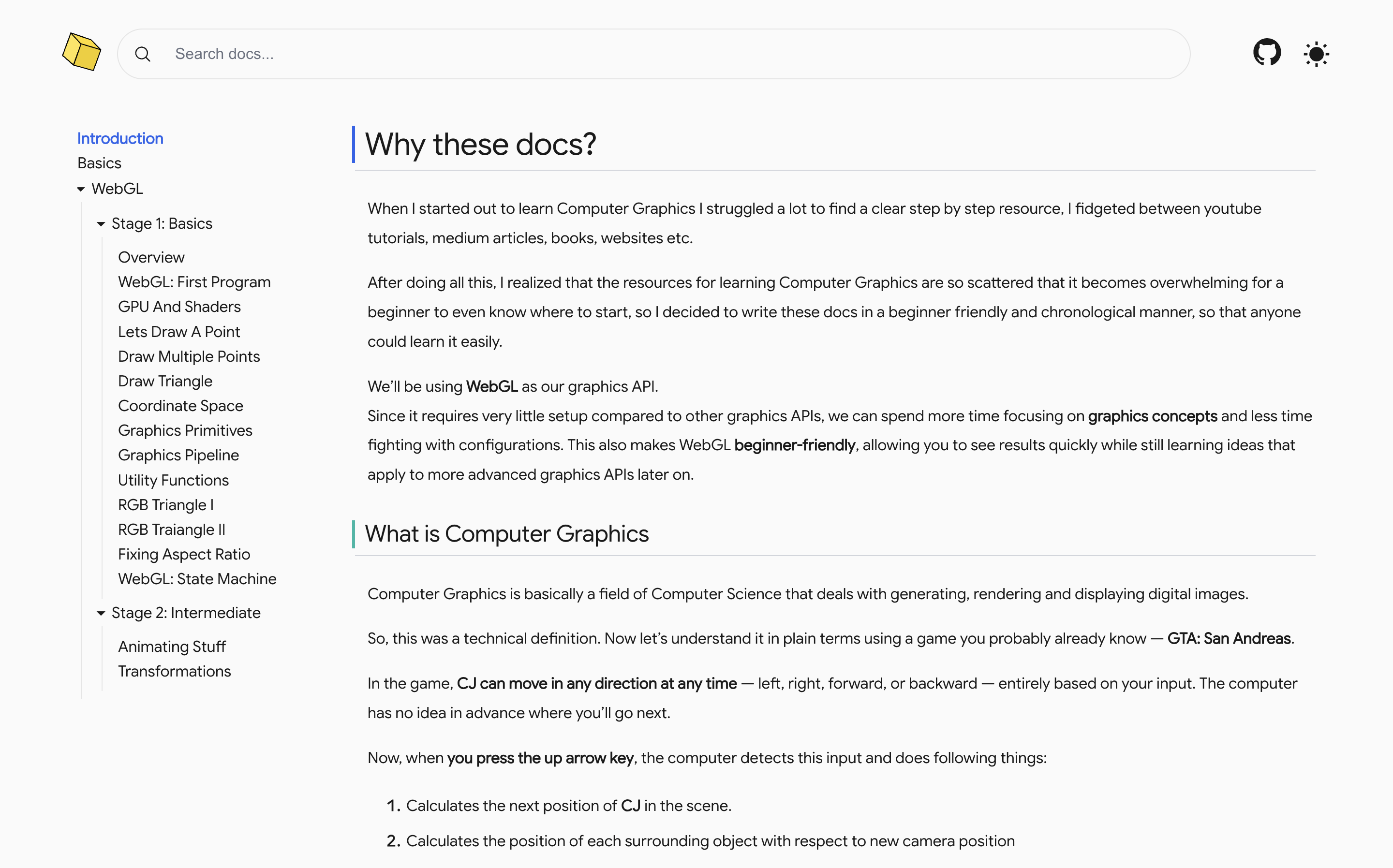
Screenshot showing the sidebar with chronologically arranged
chapters
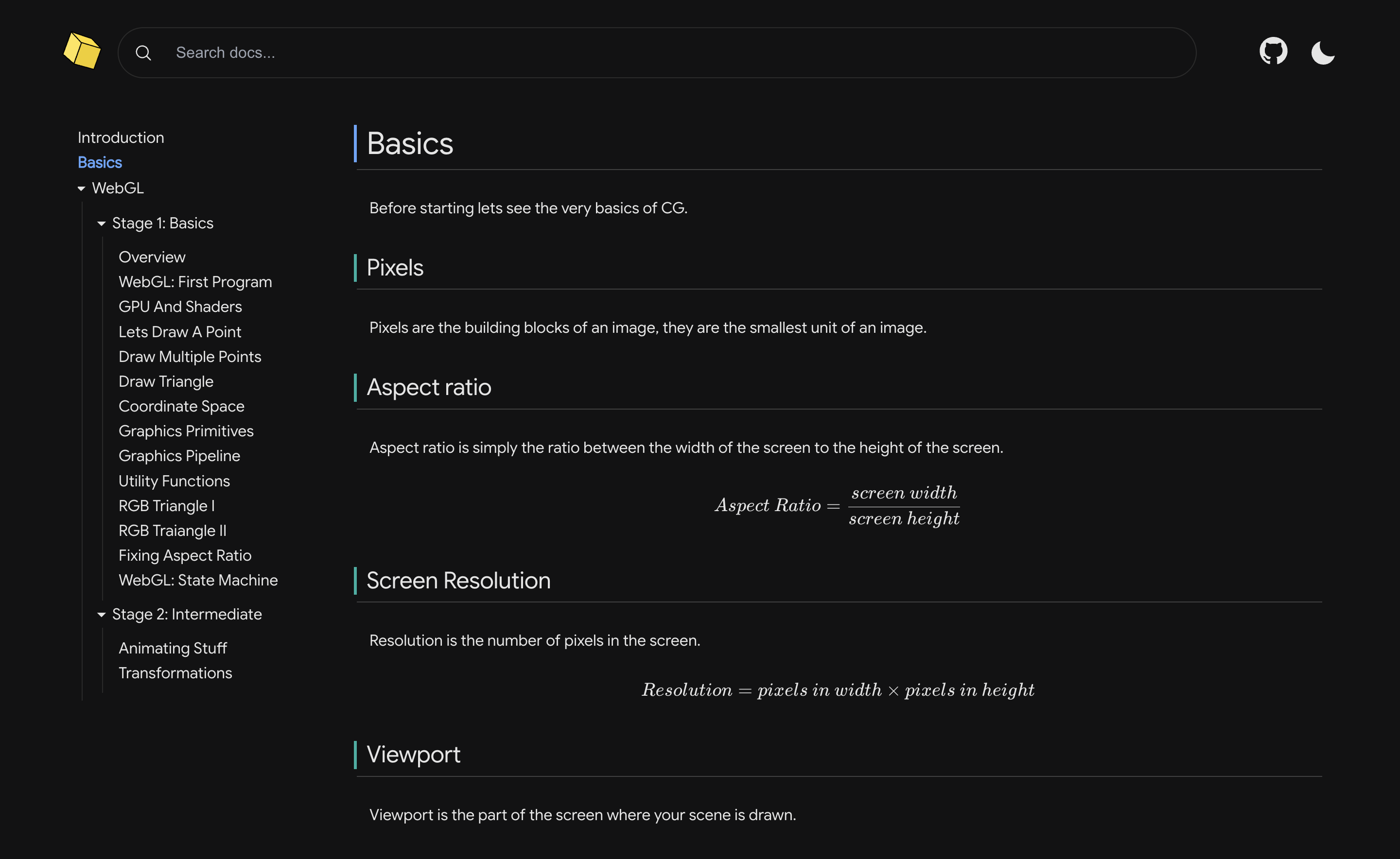
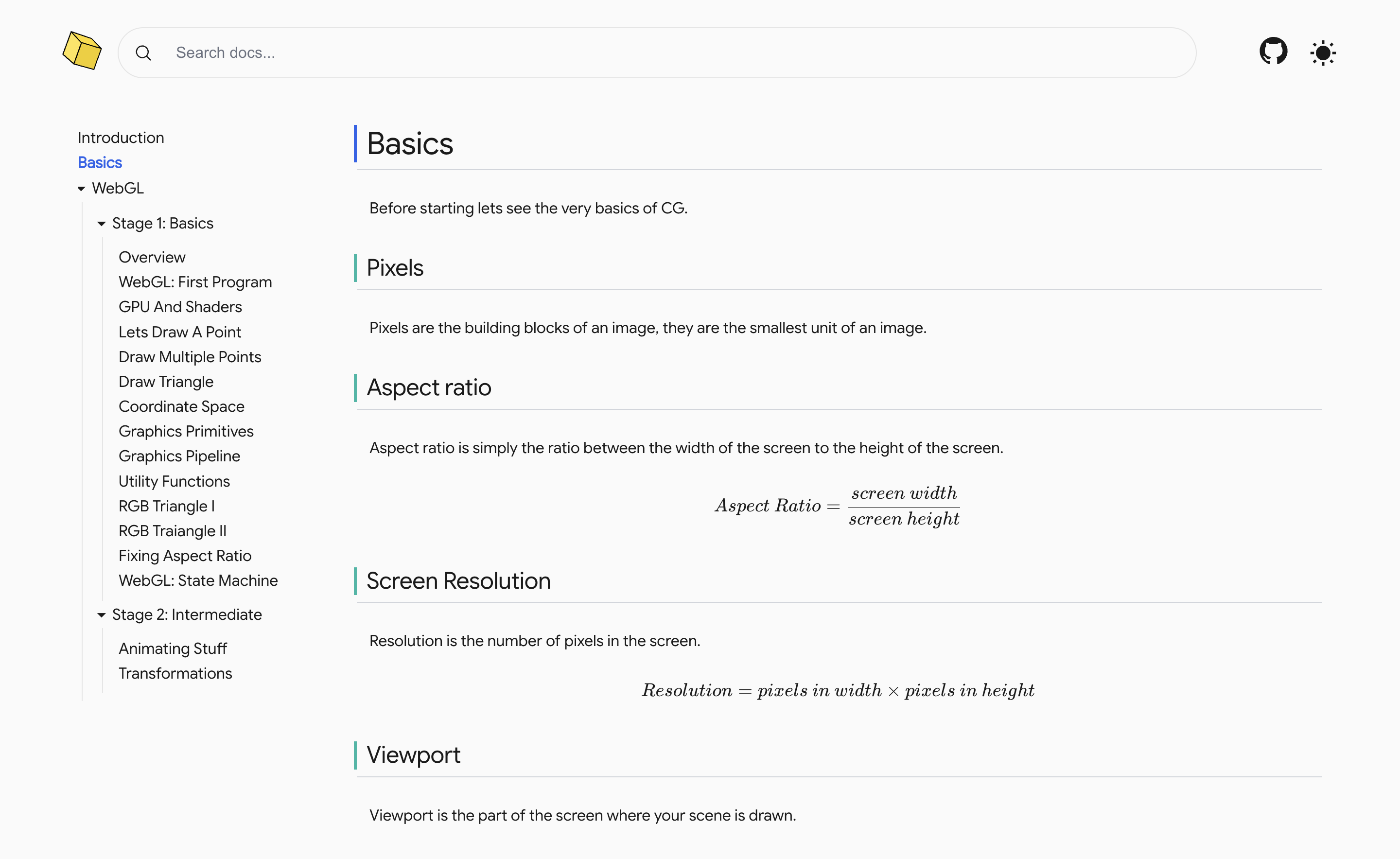
Light and dark modes
Whether you love to read in dark mode or light mode we got you
covered CG-Docs supports both. Toggle the theme using the sun/moon
icon on top right.
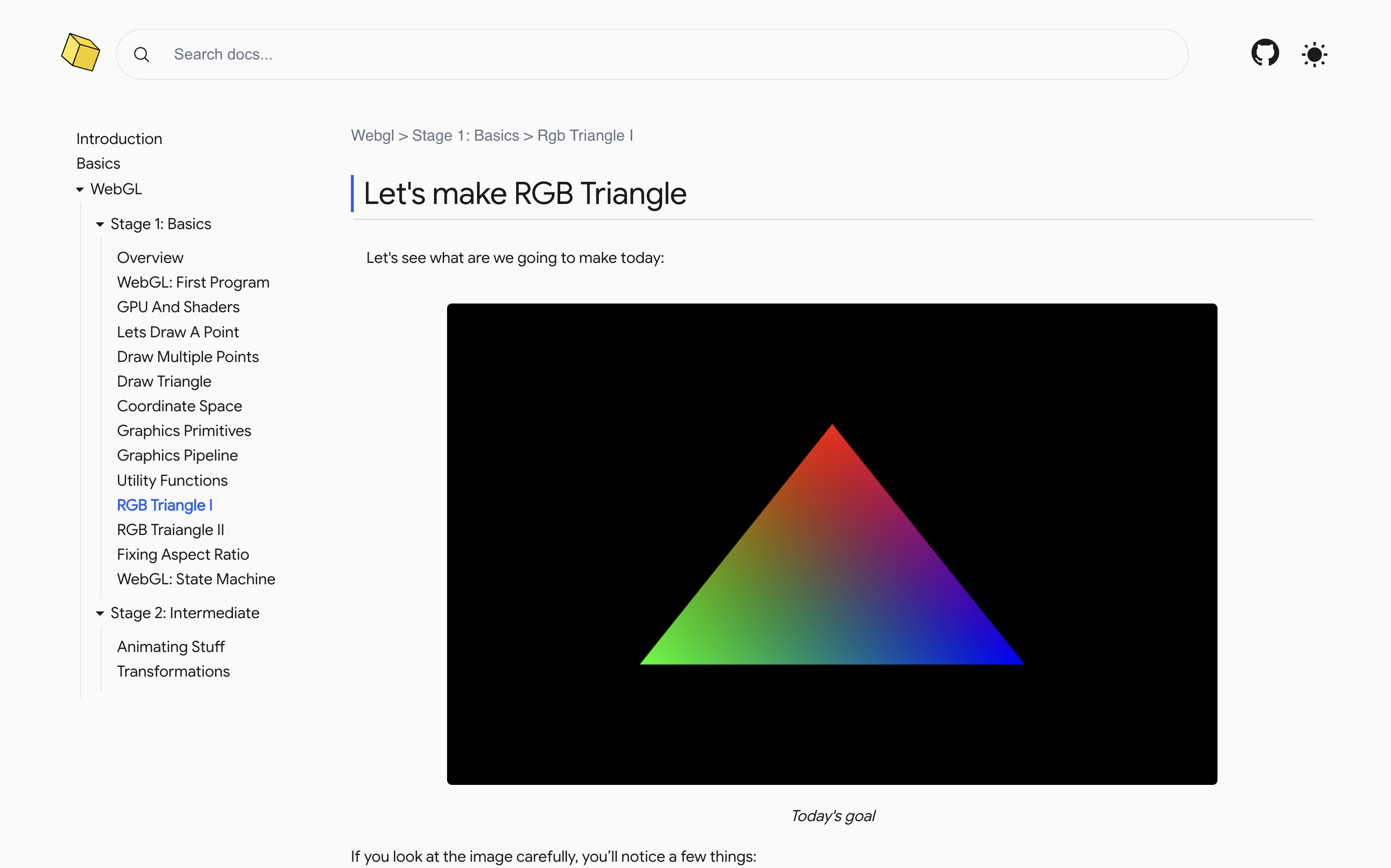
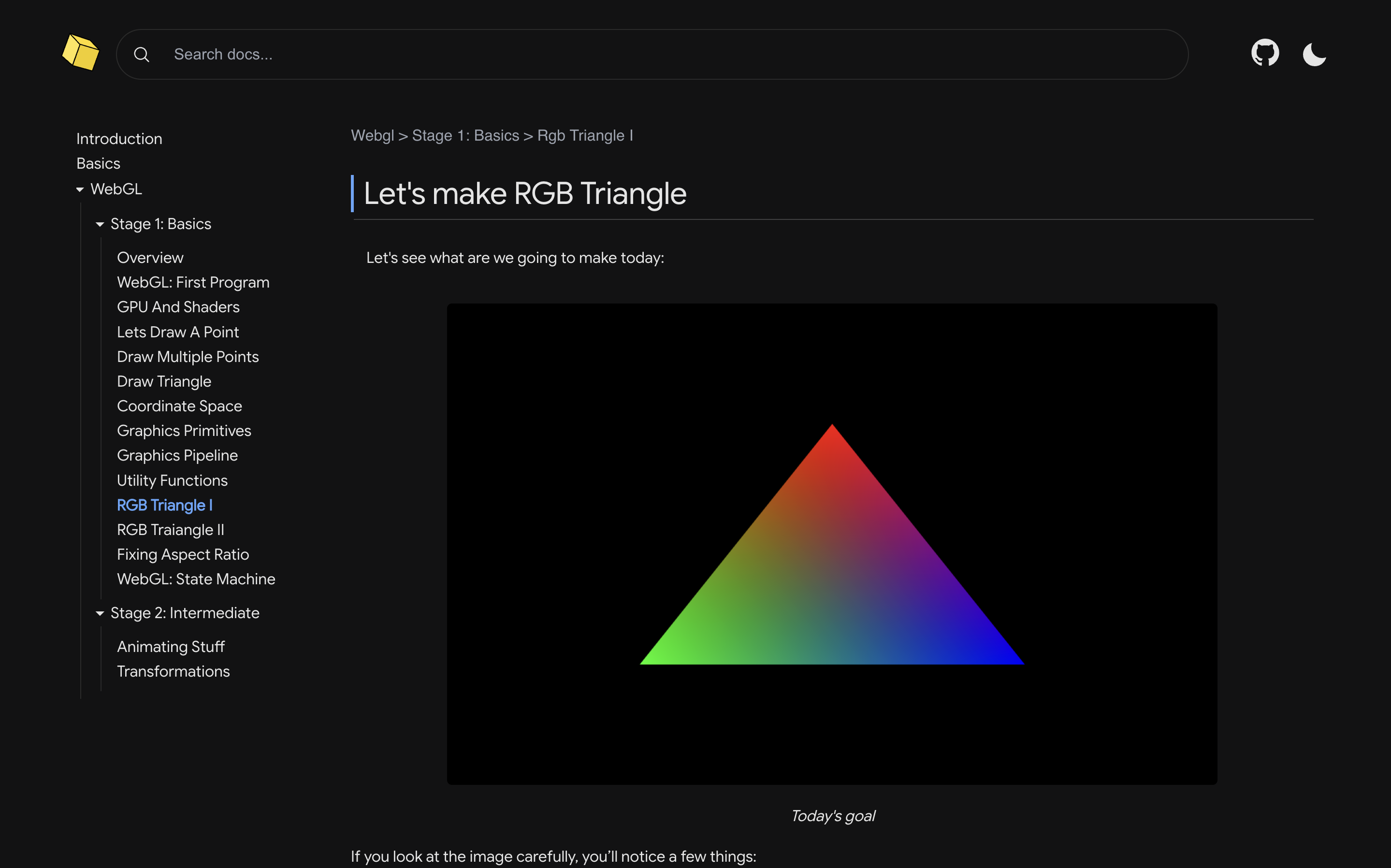
Screenshot showing light and dark modes.
Engaging Diagrams
Unlike most documentations, CG-Docs uses specially crafted diagrams
to actively engage you and make concepts easier to grasp.
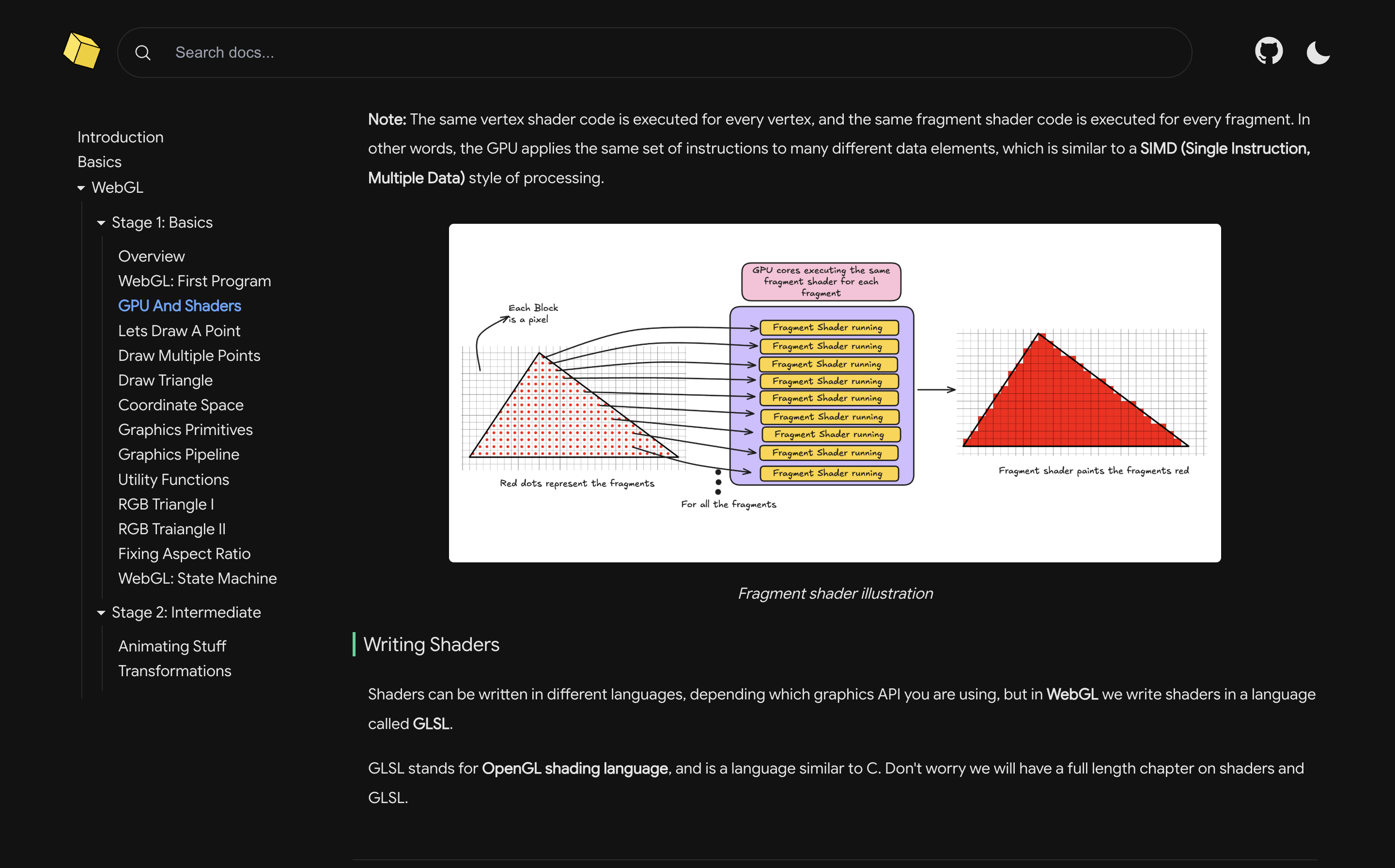
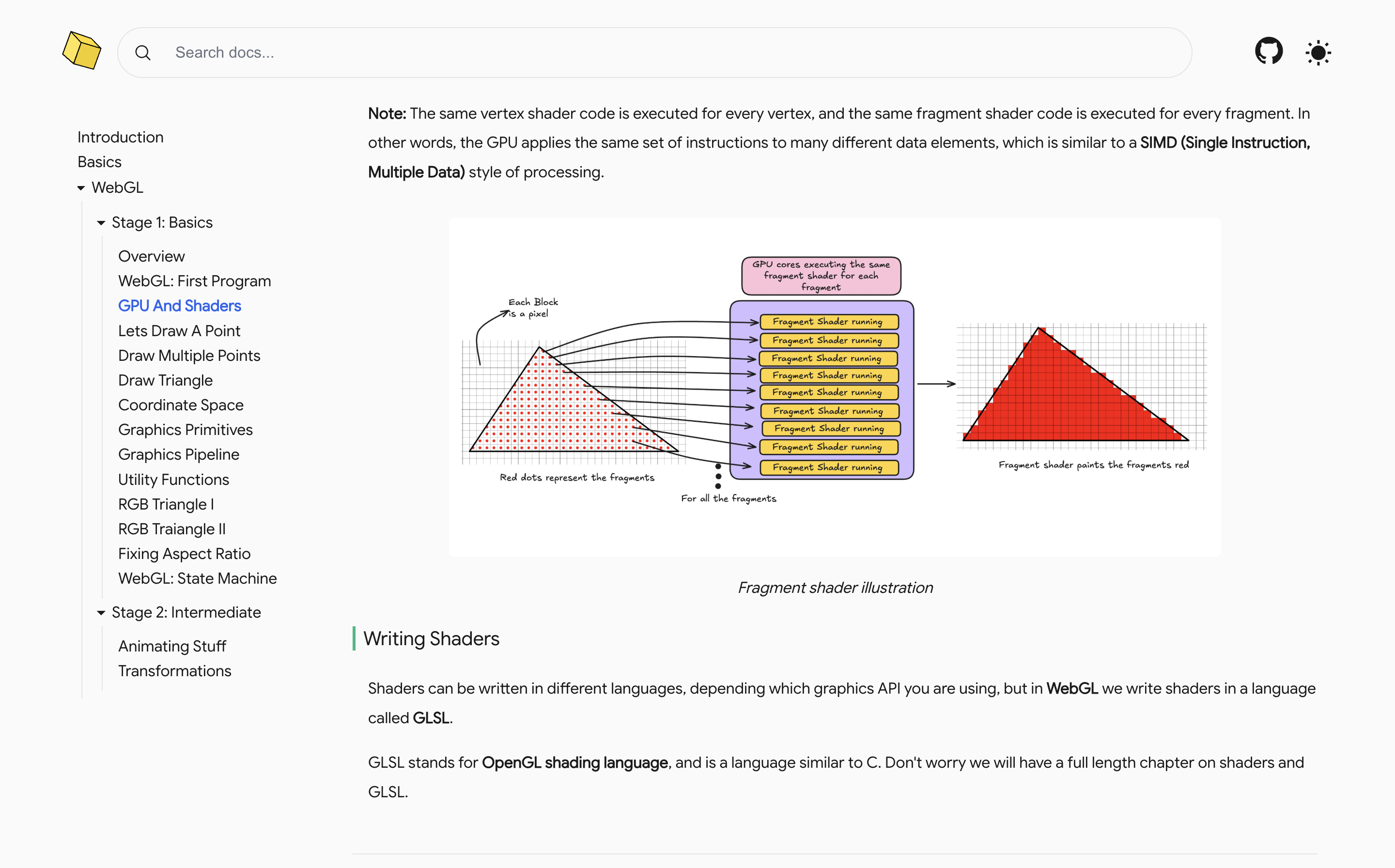
Screenshot showing diagram to explain fragment shader working.
Easy Language
These docs often use conversational dialogue, questions in second
person which makes it different from the other boring docs you might
be familiar with. The english used is quite simple and easy to
understand.
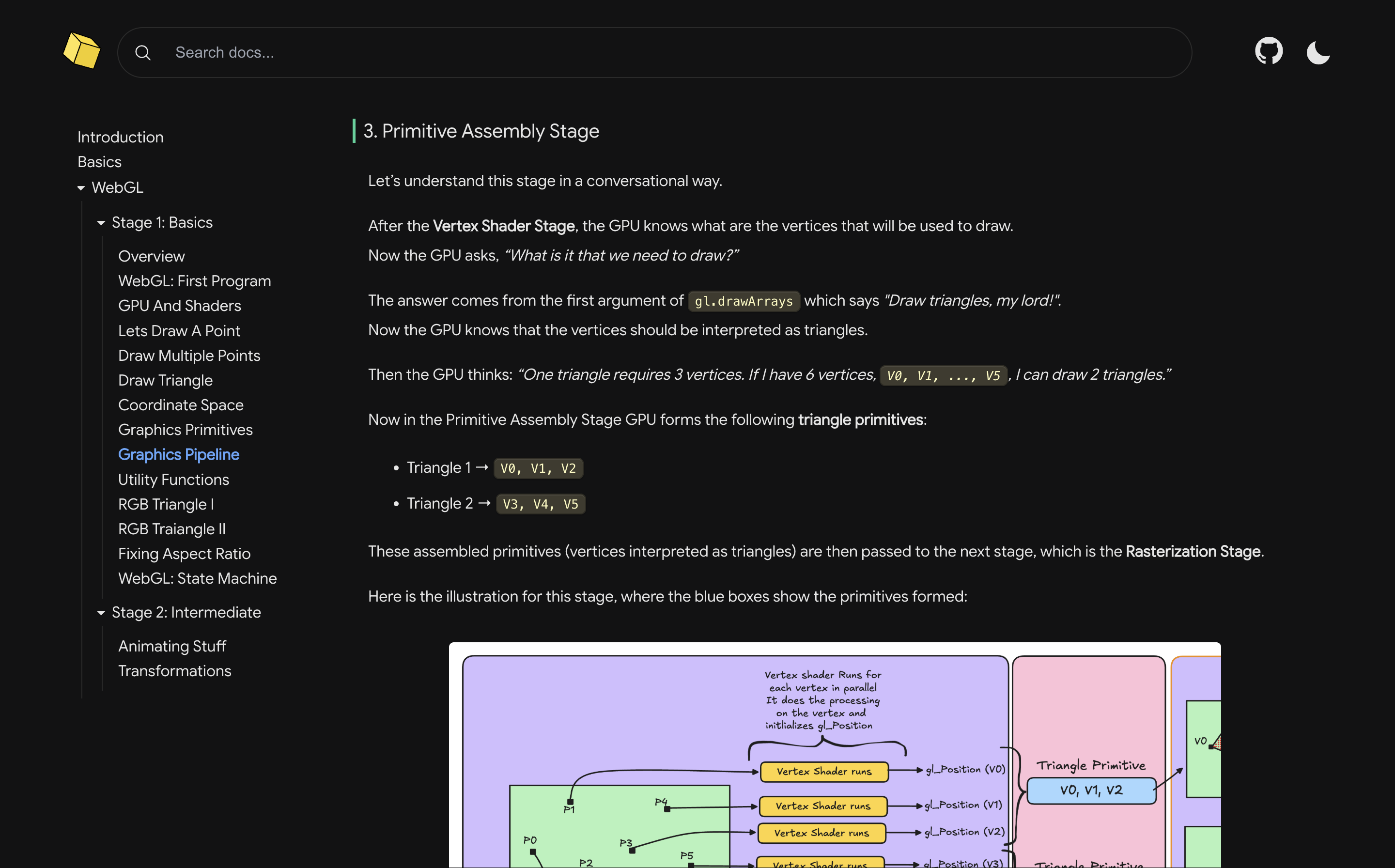
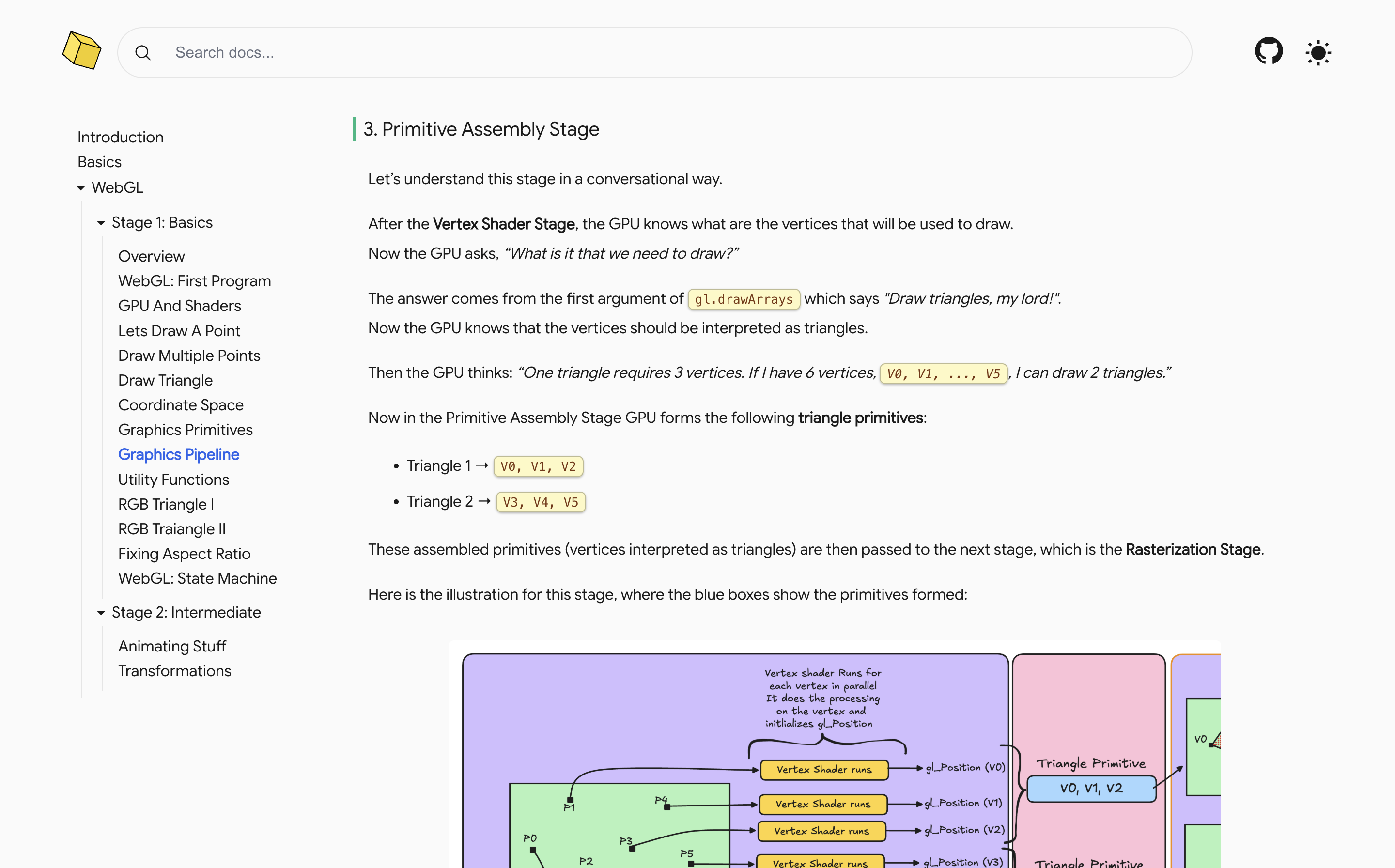
Screenshot showing conversational style used to explain.
Read on any screen
CG-Docs is fully responsive across all screen sizes, so your
learning never stops whether you are on a laptop, tablet or phone.
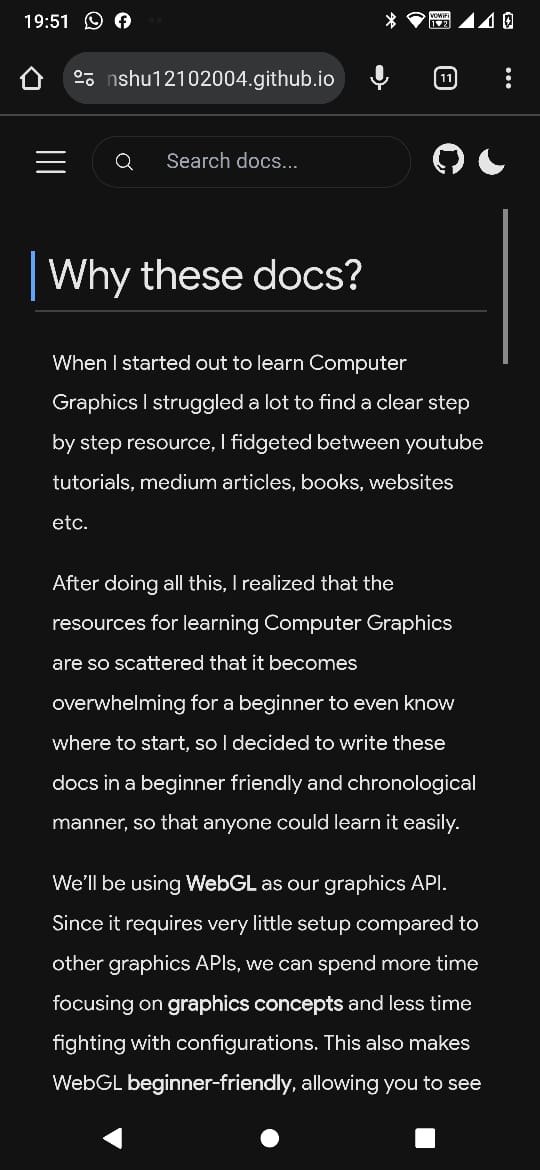
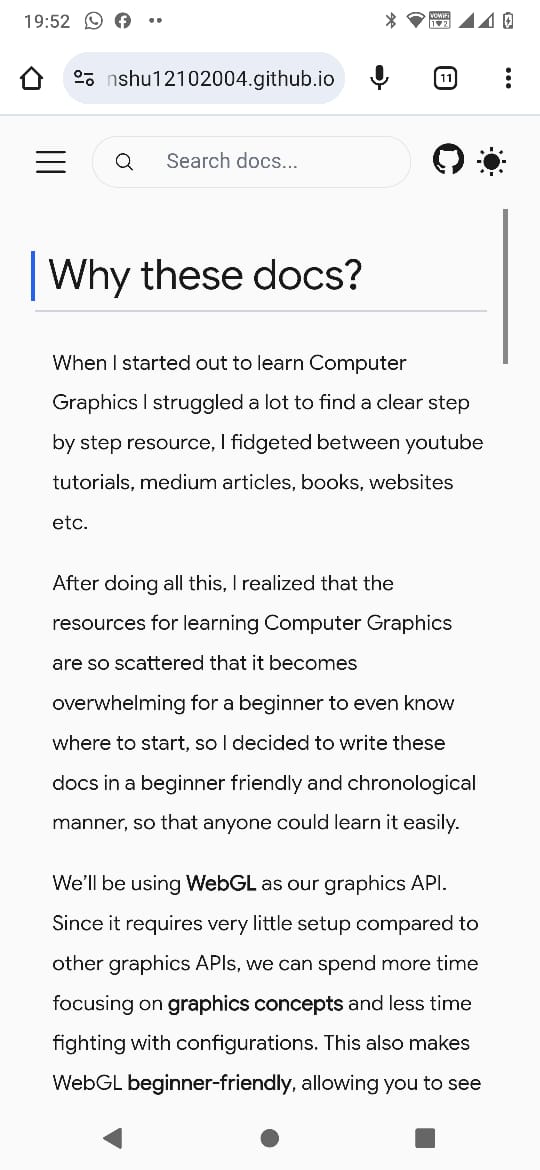
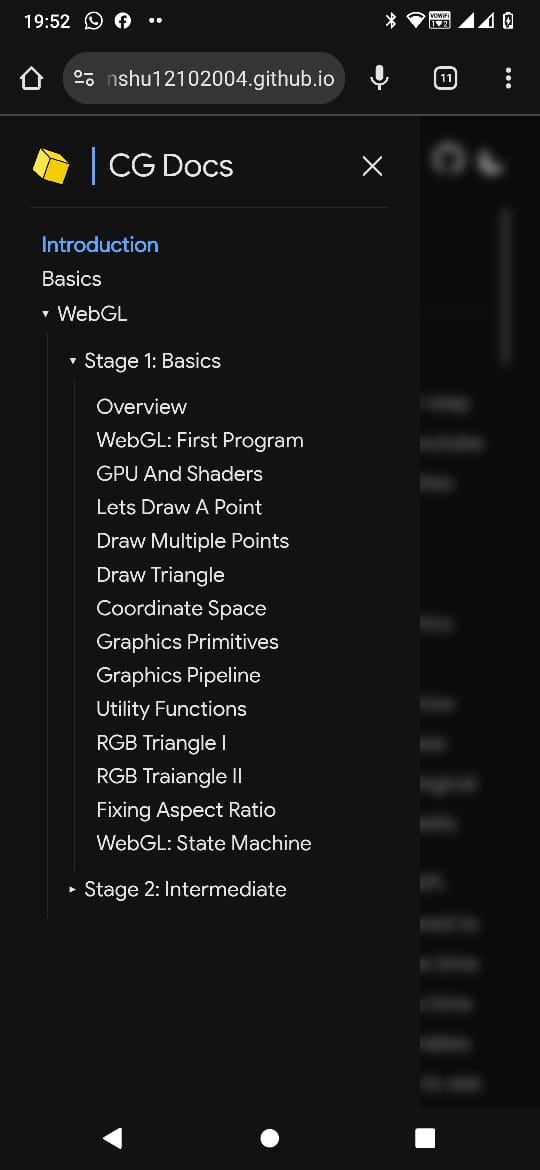
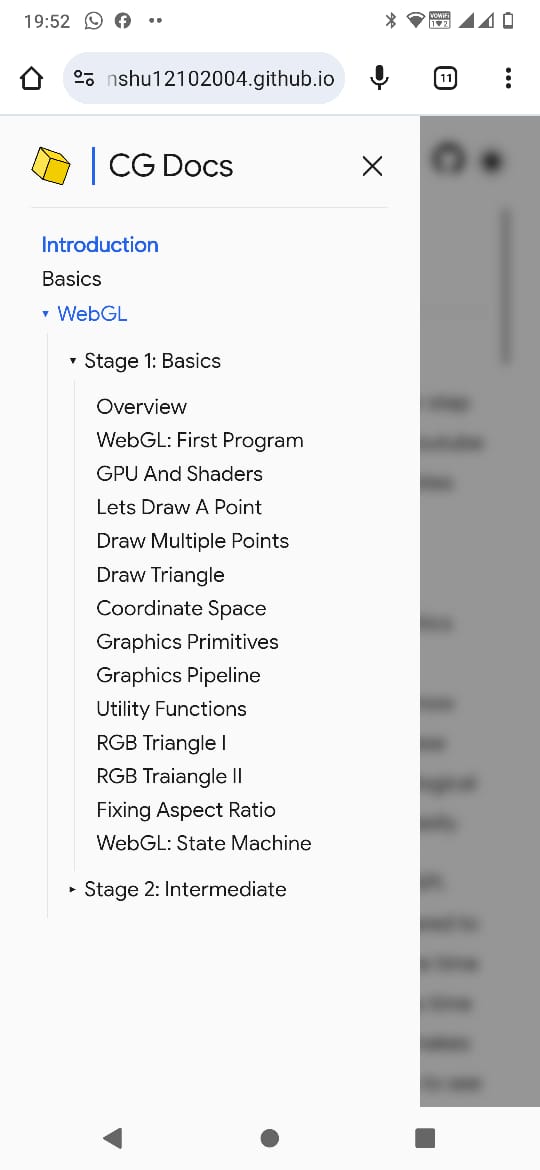
Screenshots showing the interface on phone.
Search FeatureComing Soon
The search feature is coming soon that will enable you to globally
search any keyword across the docs.
Screenshot showing the searchbar on the top of the screen.